
Customer & quote portals: where customers do the work themselves
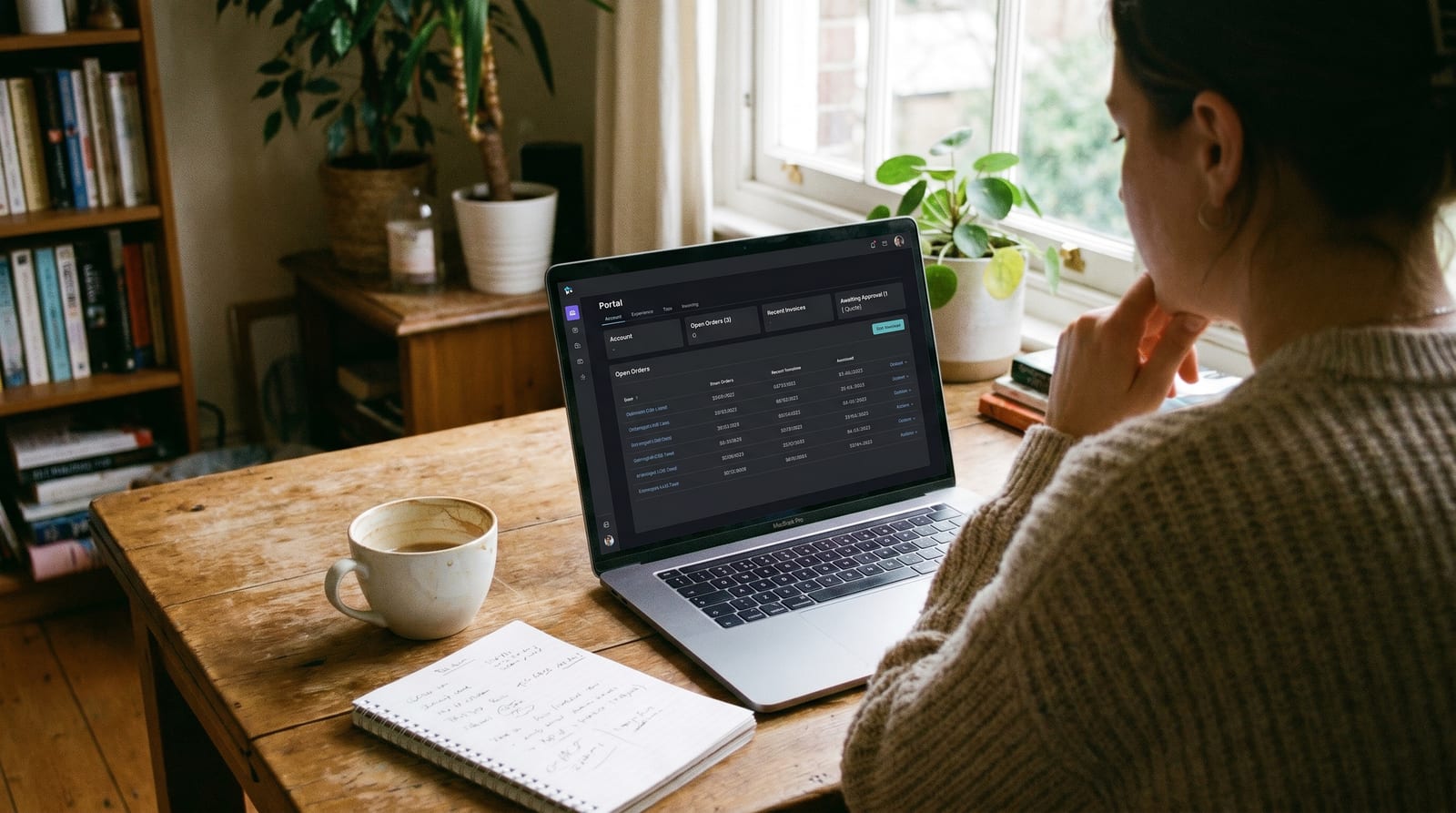
The cost of email being the answer to everything
Look at any B2B customer-services inbox and you'll see the same shape of question, day after day:
- "Can you let me know where order #18432 is?"
- "Could I get a copy of invoice 4023?"
- "What's our outstanding balance currently?"
- "Can you quote on the attached?"
- "What's your stock on product X?"
- "Can we update the delivery address on our account?"
- "Can I get the same as last time?"
Every one of those is the customer trying to do something they could do themselves, if you gave them a place to do it.
Today, the answer is email. The customer asks, your team looks it up, replies. Multiplied across hundreds of customers, that's a meaningful chunk of the operations team's day spent being a human API to your own back-office systems.
A customer portal is the thing that fixes this. We touched on it in the AI-drafted quotes post; this one goes through what a portal actually is, where AI sits inside it, and the awkward bits people don't usually mention until you're three months into building one.
What a portal actually is
A customer portal is a logged-in space where your customer can see their own data and act on it.
Their orders. Their invoices. Their statements. Their quotes. Their account. Their delivery addresses. Their pricing.
Not a marketing website. Not a generic helpdesk. Their account, their data, their actions: usable from any browser, secured by their login.
A typical portal lets a customer:
- See live order status, including tracking from the courier
- Reorder previous items in one click
- Request a quote, and (where the rules allow) see one quoted back instantly
- Download invoices, statements and proof-of-delivery PDFs
- See their balance, what's overdue, and pay it online
- Update their own contact details, delivery addresses and notification preferences
- See your product catalogue at their prices, not generic list prices
- Raise a support ticket with all the right context auto-attached
Most of these are things your team is currently doing on the customer's behalf, in email, one ticket at a time.
Where AI sits in the portal
This is the bit that ties this post back into the series.
Almost every interaction in a portal is some shape of "look something up, present it cleanly, possibly draft something for a person to approve". Which is exactly the shape of work AI has just become good at.
In practice:
- A status check is a document-understanding-style lookup against your fulfilment and courier systems, presented to the customer as a sentence they can read.
- A reorder is the same machinery that powers AI-drafted POs, just running for a known customer with a known catalogue. Auto-priced, auto-stock-checked, ready to confirm.
- A quote request is the AI-drafted quotes flow, but with the draft going either to the customer (where the rules allow) or to a salesperson (where they don't).
- A "why does this invoice say what it says?" question is a customer-services-style reply drafted from your billing data, with the answer waiting the moment the customer clicks Ask.
So the portal isn't just "a place customers self-serve". It's the customer-facing surface of the same AI back-office we've been describing across this series. The salesperson opens drafts in their inbox; the customer triggers drafts on a screen. Same plumbing.
The "don't show my price to a competitor" problem
This is the conversation that happens in every portal project, usually around week two.
Pricing in B2B is sensitive. Different customers pay different prices. Sometimes different products are quoted to different customers. Some of your customers worry, sensibly, about what happens if a competitor gets hold of their pricing, whether through a leaked screenshot, a salesperson moving jobs, or just a shared login.
A few practical positions we've seen work:
- Personalised pricing only behind login. Anonymous browsers see "price on application" on sensitive items, or generic list prices on commodity ones. Logged-in customers see their actual price.
- Roles within a customer's organisation. The buyer sees prices; the warehouse user who only needs to confirm deliveries doesn't. This solves the "my warehouse manager keeps logging in to print delivery notes" problem without exposing the commercials.
- Audit trails on price views. Every time someone logs in and looks at pricing, it's recorded. Not because you'll ever look at it most days, but because if there's ever a question, you have the answer.
- Sensitive items hidden behind a quote request. Bespoke products, large-quantity items, anything genuinely negotiated each time. The portal becomes the entry point to the AI-drafted quote flow, not a pricelist.
- Per-customer visibility settings. Some customers will tell you they don't want any pricing in the portal at all; they want to see their orders but always negotiate prices through their account manager. Honour that.
There isn't a single right answer. The right answer is a conversation with your customers about what they're comfortable with, then a system flexible enough to honour what each one says.
Where the line sits: self-service vs human oversight
The other early conversation. Where does the customer drive, and where does a human step in?
A useful way to think about it: three categories.
Always self-service: things where there's no commercial judgement and no real risk:
- Order status, delivery tracking, proof of delivery
- Invoice and statement downloads
- Updating contact details and notification preferences
- Reordering identical items in the same quantity on contracted pricing
Always routed to a human: things where the customer asking is the signal, and the answer needs judgement:
- New-product enquiries outside their normal pattern
- Quotes for unusual quantities or non-standard items
- Anything indicating distress: a complaint, a returns request, a query about a damaged delivery
- Anything that would put the customer outside their credit terms
The interesting middle: things that depend on rules you set:
- Reorders larger than the customer's typical pattern (auto up to a tolerance, approval beyond)
- Quote requests within the standard catalogue (auto-priced, ready to convert) vs outside (drafted, sent to a salesperson)
- Customers with overdue invoices (some interactions blocked, some still allowed, depending on your credit policy)
- Larger orders triggering an account-manager touch even when the customer could complete the order themselves
The honest version: this boundary moves over time. You start it conservative, you watch how customers actually use the portal, you push the boundary out as the system earns trust. The portal that's right for year one is more cautious than the portal that's right for year three.
How to roll one out without upsetting the email-lovers
Some of your customers will love a portal. Some, usually the smaller, longer-standing, more relationship-driven ones, will never use it, and will be quietly offended if it feels like you're pushing them.
A few things that work:
- Don't switch off email. Both should work, indefinitely. The portal is a faster option, not the only option.
- Pilot with the customers who'll actually use it. Procurement teams at your larger B2B customers usually want a portal yesterday. Start there.
- Make the portal genuinely better than email on day one. If the portal is just "the same answer, two clicks deeper", customers go back to email. If it's "the answer in three seconds instead of four hours", they convert themselves.
- Tell the email-only customers what they're missing, gently. A footer line on every email reply, "this is also available in your portal", is usually enough. Most will take a look eventually.
- Train your team to use the portal too. When a customer rings up asking about an order, the salesperson opens the same portal screen the customer would see. Same source of truth, same data, same answer. No more "let me just check the back-office system".
The goal isn't to replace email. It's to make the portal useful enough that email becomes the channel for the things email is actually good for: conversations, exceptions, the relationship work, and stops being the channel for "can you check on order #18432 for me".
A portal earns its keep when "can you let me know..." stops landing in your inbox.
What it changes
For the customer, the change is mostly about waiting:
- Instant answers to routine questions
- No more "let me get back to you on that"
- A single source of truth for their account, available at 11pm if that's when they're working
For your team, it's about where the day goes:
- The routine inbox shrinks dramatically, usually to a fraction of what it was
- Time gets pulled toward the conversations that matter: new business, exceptions, larger orders, the relationship calls
- The team starts seeing patterns from the data the portal collects: who's reordering more, who's gone quiet, who's struggling with something
For the business, the patterns we see consistently in the wholesalers and B2B suppliers we've built portals for:
- Customers who actively use the portal order more often, in smaller-but-more-frequent baskets
- Average order value moves up modestly; order frequency goes up significantly
- Customer retention tends to lift, partly because changing supplier means leaving behind a system you're comfortable with
- Account managers cover more accounts, because the routine load has gone
Where to start
The mistake most businesses make is trying to build "the portal" all at once. That's a 12-month project that ships nothing useful for nine of those months.
The shape that works:
- Start with the one thing customers ask for most often. Usually order status + invoice downloads. Two screens, hours saved per week, customers happy on day one.
- Add reordering for your top customers. Reorder of identical items at contracted pricing is low-risk, high-value, and gets the portal genuinely earning its keep.
- Add quote requests when AI-drafted quotes are in. The two work best together; see the quote-drafting post for the back-office side.
- Layer in self-service for whatever customers actually ask for next. Delivery address updates. Statement downloads. Pay-an-invoice. One a sprint, not all at once.
- Always keep email working in parallel. Measure portal adoption, but don't measure it on day one.
A first useful version of a portal is usually six to ten weeks of work. The build never really finishes; you keep adding what your customers actually ask for, in the order they ask for it.
We'll write more about specific portal patterns in future posts: how to think about authorisation in B2B (where one "customer" is often actually six people in three roles), how to structure pricing rules so they don't become a maintenance nightmare, what good portal UX actually looks like (it's not what most B2C account portals look like), and the integration patterns that keep portal data in sync with your back-office without anybody's evening being ruined.
If your customer-services team is spending their day answering questions a portal could answer in seconds, say hello.
InsideData
InsideData
More from the workshop
Why we spend a whole week on discovery before quoting
The two-week discovery sprint isn't a sales tactic. It's the only honest way to estimate a bespoke software pr...
Build vs buy: the question we get asked the most
After 20 years of these conversations, here's the honest framework we use to help businesses decide whether to...
AI in customer services: a draft on every reply
How AI changes the shape of a customer-services inbox: reading inbound messages, looking up the customer and o...
Let’s talk about your back office
Start with a free 30-minute discovery call. No slides, no sales pitch; just a real conversation about where your business is and where it could be.